
Shotcut
Shotcut is a free, open-source non-linear video editor for Windows, macOS, Linux and BSD.
Windows
Open source

InShot is a video editor built for phones that many people also want to use on a Windows PC for quick edits of short clips.
Average 0.0 · ratings: 0
Thank you! Your rating is saved; you can change it. Could not save the rating. Please try again later. Too many ratings from your network today. Please try again tomorrow. The average appears after 5 ratings.
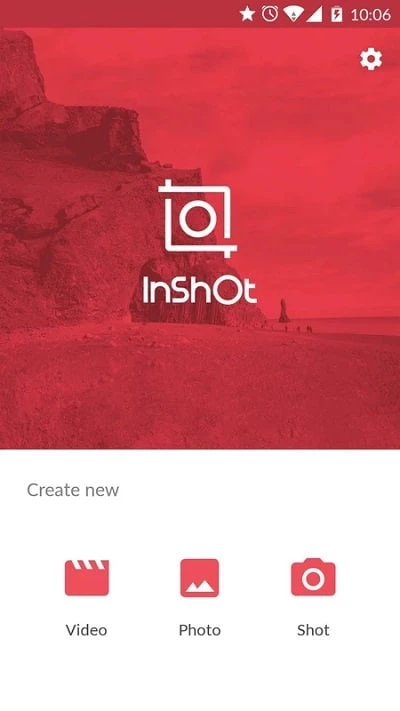
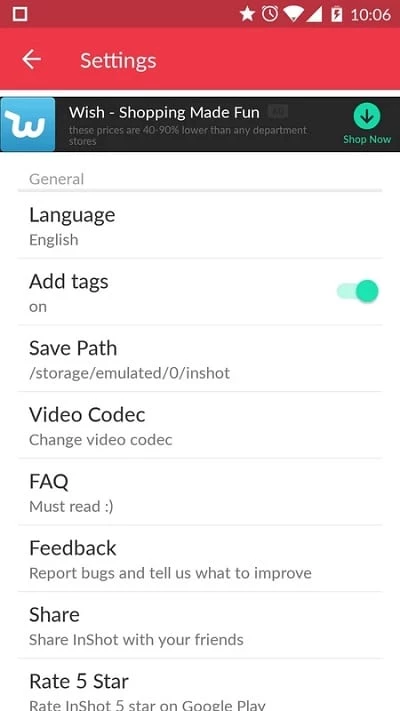
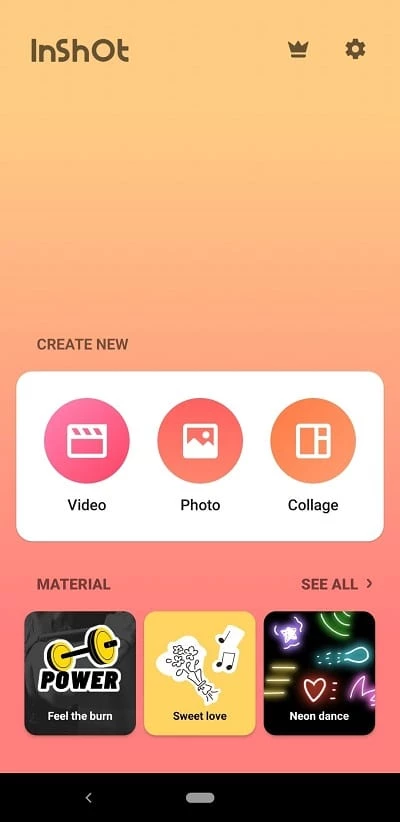
InShot 2.231.1551 is a video editor that started as a mobile app and is listed here for Windows. If you want to download InShot for PC, it helps to know how the editor is designed and which official sources to use, because its home is the phone rather than the desktop.
InShot has been available since March 5, 2014, and Wikidata describes it as video editing software and a mobile app. It suits people who already edit short videos on their phone and like its workflow: trimming, joining clips, adding music and text, and changing the frame for stories, reels or square posts. Using the same editor on a computer is attractive when the phone is low on storage, when the screen feels too small for precise cuts, or when videos are recorded on a camera and stored on the PC. For beginners it is a gentle start, because the tools are grouped simply and there is no complex timeline to learn. Professionals and anyone preparing long projects will find it limited; a full desktop editor is a better match for them.
| Item | Details |
|---|---|
| Version | 2.231.1551 |
| Developer | InShot Inc. |
| Type | Video editor |
| First release | March 5, 2014 |
| Interface | Multiple languages |
| Price | Free to install |
| Size | about 79.00 MB according to catalogue data |
Many sites offer InShot for PC as a ready-made package or an unlocked version. Avoid them: repackaged editors are a common source of adware and malware. Stick to inshot.com and Google Play, and scan any installer before running it.
Keep the source videos in one folder and give them clear names before you start, so you can find the right clip quickly. Work on a copy of important recordings rather than the originals. Choose the aspect ratio for your target platform first, then add text and stickers, so nothing gets cut off at the edges. When the project is finished, export it once in high quality and make smaller copies from that file if needed, instead of exporting several times from the editor.
InShot is free to install. Paid content or features inside the app may be offered; check the official listing before buying.
Desktop editors for Windows in our listings include CapCut, Shotcut and DaVinci Resolve; for screen recording, OBS Studio.
Shotcut is a free, open-source non-linear video editor for Windows, macOS, Linux and BSD.

CapCut for Windows is ByteDance's desktop video editor, with a timeline, templates and export presets for short and long videos.

VLC media player is a free, open-source video and audio player for Windows from the VideoLAN team. The current release is 3.0.24.

Green Free Video Converter is a small free Windows program for converting video files between common formats for phones, players and editors.

Format Factory is a free Windows multimedia converter from Free Time for changing video, audio and image files between formats.

Streamlabs OBS, now called Streamlabs Desktop, is a free open-source Windows app for live streaming and recording with built-in alerts and overlays.

Free Cam is a free screen recorder for Windows from iSpring Solutions for recording screencasts with voice-over and trimming them before export.

TikTok for Windows is the desktop app of the short-video platform from TikTok Pte. Ltd., available free from the Microsoft Store.

Iriun Webcam is a small free Windows program that turns an Android phone or iPhone into a wireless webcam for video calls and streaming.